The fast IPTV player for Android TV and your phone
Play your own IPTV playlist (M3U or Xtream Codes) with a clear TV guide, movies and series with artwork, casting to your TV and subtitles in your own language.
Use your own provider or playlist. We do not provide channels, movies or IPTV subscriptions.
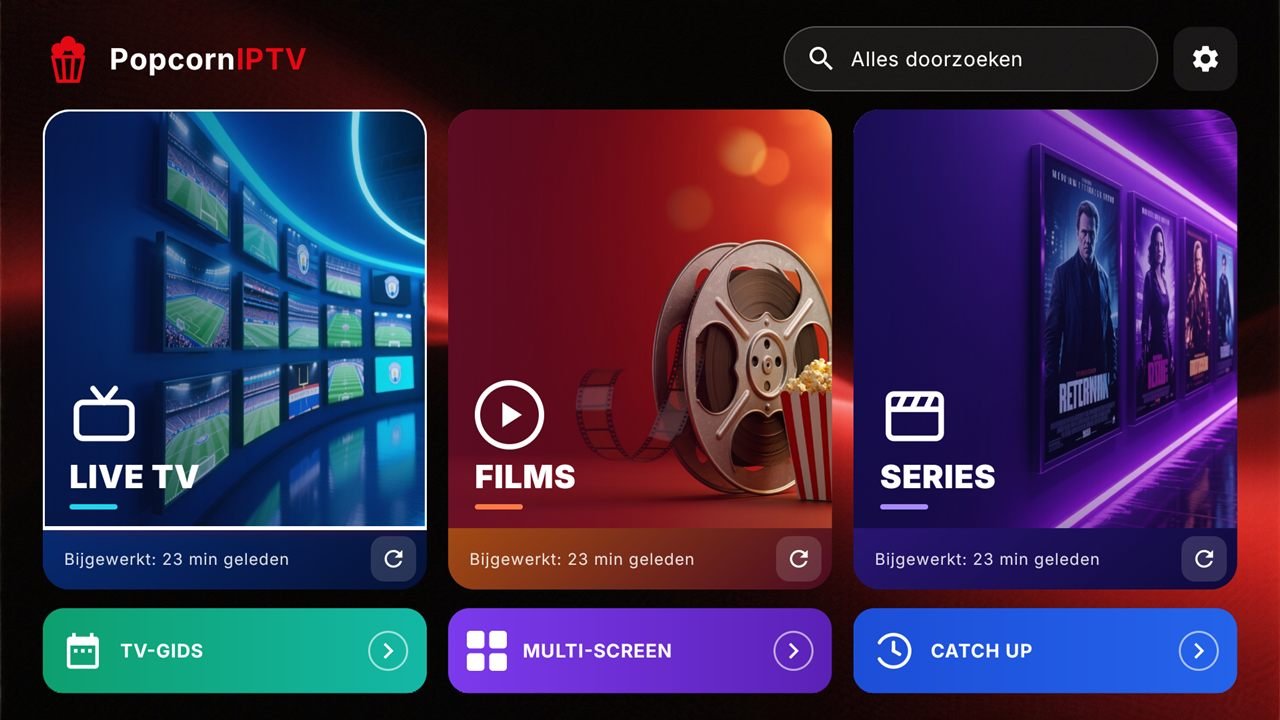
Everything a good IPTV player needs
Live TV with TV guide
Zap with the remote, a full EPG, catch-up, recording and reminders.
Movies & series
Posters, title logos, trailers and ratings, with “Continue watching” and the next episode playing automatically.
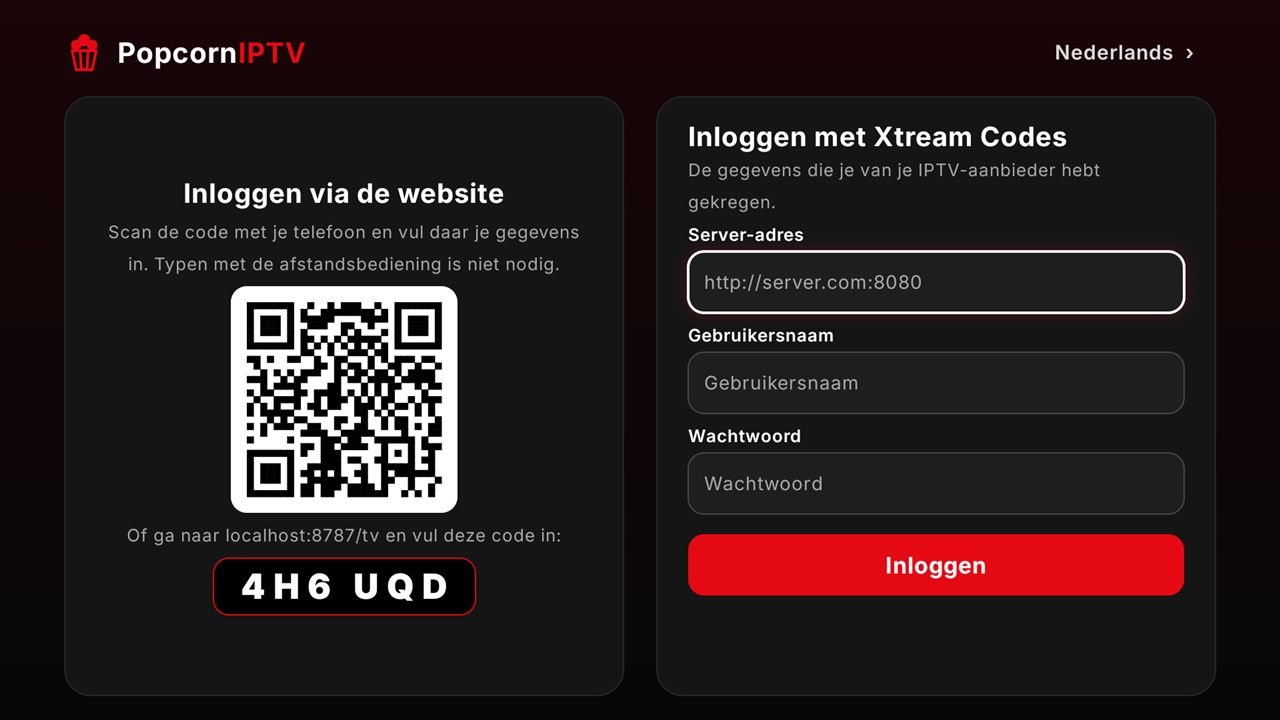
M3U and Xtream Codes
Sign in with your Xtream Codes details or an M3U link, or send your playlist from your phone to the TV with a QR code.
Subtitles in your language
Subtitles switch on in your own language automatically; if they are missing, search OpenSubtitles. With your own size and colour.
Cast to your TV
From your phone to Chromecast, Google TV, Samsung and LG smart TVs (DLNA) or Popcorn on your TV box.
Sports
Scores, today’s matches and which channel in your playlist shows them.
Profiles & parental control
Favourites per profile, a kids profile and folders behind a PIN.
Picture-in-picture
On your phone the video keeps playing in a small window while you use other apps.
We do not provide content
Popcorn IPTV is only a media player. We do not offer channels, movies or series and do not sell IPTV subscriptions or accounts. You use the app with your own provider’s playlist and you are responsible for using it lawfully.
Try it free, then pay once
- Live TV
- No movies, series or sports
- No TV guide, catch-up or recording
- No casting
- Everything in Basic
- Movies, series and sports
- TV guide, catch-up and recording
- Casting, subtitles and profiles
- Priority support
Try everything free for 3 days first. Premium is a lifetime licence for one device; no subscription.
Get started
Install the app
On your Android TV, Google TV, Fire TV, TV box or Android phone, from Google Play.
Google PlayAdd your playlist
Sign in with Xtream Codes or an M3U link, or upload your playlist here with the MAC number and device code from the app.
Upload playlistActivate Premium
Try everything free for 3 days. Then Premium for €14.99 one-time, via Google Play or here on the website.
ActivateLight and fast
Starts in about a second, even on a basic TV box.
Safe and private
Your playlist stays yours. No ads, and we sell or share nothing.
Made for the remote
And just as easy on your phone.
In 10 languages
English, Dutch, German, French, Spanish, Portuguese, Italian, Turkish, Arabic and Polish.
Frequently asked questions
Does Popcorn IPTV include channels or movies?
No. Popcorn IPTV is an IPTV player without content. You need a playlist or Xtream Codes login from a provider you use lawfully.
Does it work on Android TV and an Android TV box?
Yes. Popcorn IPTV is made for Android TV, Google TV, Fire TV and Android TV boxes, and also works on Android phones and tablets.
How do I add my M3U playlist or Xtream Codes?
Enter the server, username and password, or an M3U link, in the app. Easier: scan the QR code in the app and fill everything in on your phone.
How much is Premium?
You first try everything free for 3 days. After that Premium costs €14.99 one-time per device. It is not a subscription.
Can I cast to my TV?
Yes, with Premium you cast from your phone to Chromecast, Google TV, most Samsung and LG smart TVs, or to Popcorn on your TV box.
Is Popcorn IPTV a good alternative to TiviMate or IPTV Smarters?
Popcorn IPTV has the same basics (live TV, EPG, movies and series) plus casting, subtitle search, sports and a one-time price instead of a subscription.